How It Works
From "Let's Run a Seminar" to Campaign Live.
You don't need to learn another marketing system.
You don't need to build funnels.
You don't need to write automations.
And you don't need to start over every time you schedule another event.
LYNC Connect gives you the infrastructure — and the system runs it with you.
Join the waitlistThe Sequence
Six Stages. One System.
01
Build It Once
A guided setup walks you through a few questions about your business, and the system configures your funnel, pipelines, automations, communication system, tracking, and campaign framework.
Event status
Lifecycle tracking
- RegisteredTracked
- ConfirmedAutomated
- AttendedRecorded
- No-showOrganized
- AppointmentPathway
02
Submit Your Event
Enter the date, venue, target market, advertising period, and how much you want to spend promoting it.
Order a campaign
Repeat event
Event date
Thursday, October 22, 2026
SetVenue
Riverside Hotel · Meeting Room B
SetTarget market
Naperville, IL · 15 mile radius
SetAdvertising budget
$500
SetUses 1 campaign credit
Submit event03
The System Builds Your Campaign
Your funnel updates, event-specific copy and creative are generated, and your Meta campaign is configured automatically. You review and approve everything before anything goes live.
Upcoming campaign
Client portal
Event
Turning 65 Educational Seminar
Thursday · 6:00 PM · Hotel meeting room
Campaign status
In production
Advertising window
Opens in 9 days
Funnel
Configured
Reminders
Scheduled
04
Your Advertising Goes Live
Meta bills your advertising account directly. You remain in control of your advertising budget.
Campaign calendar
Events and advertising windows
October 2026
1 event scheduled
Turning 65 Seminar · Oct 22 · 6:00 PM
Advertising live05
Run Your Seminar
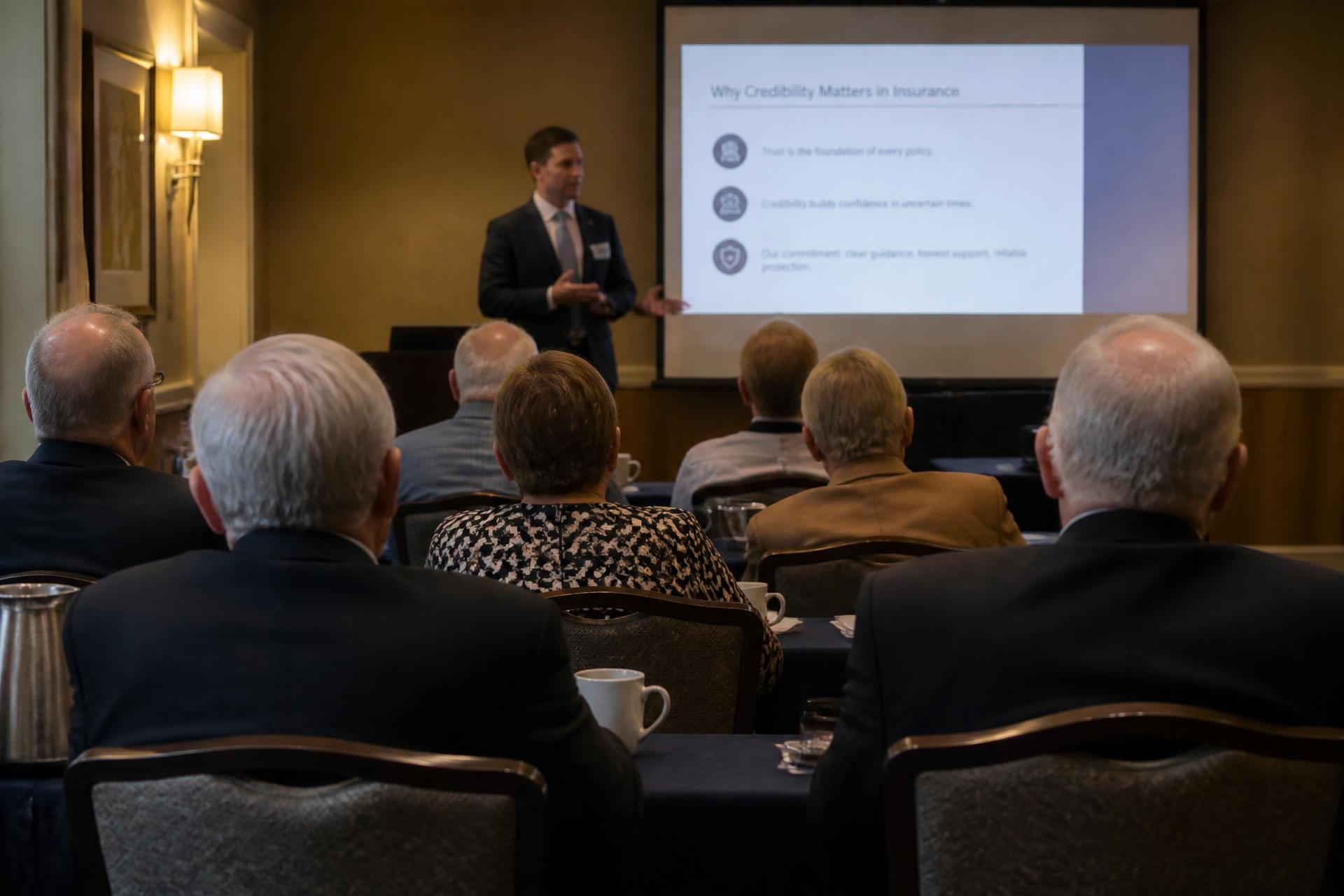
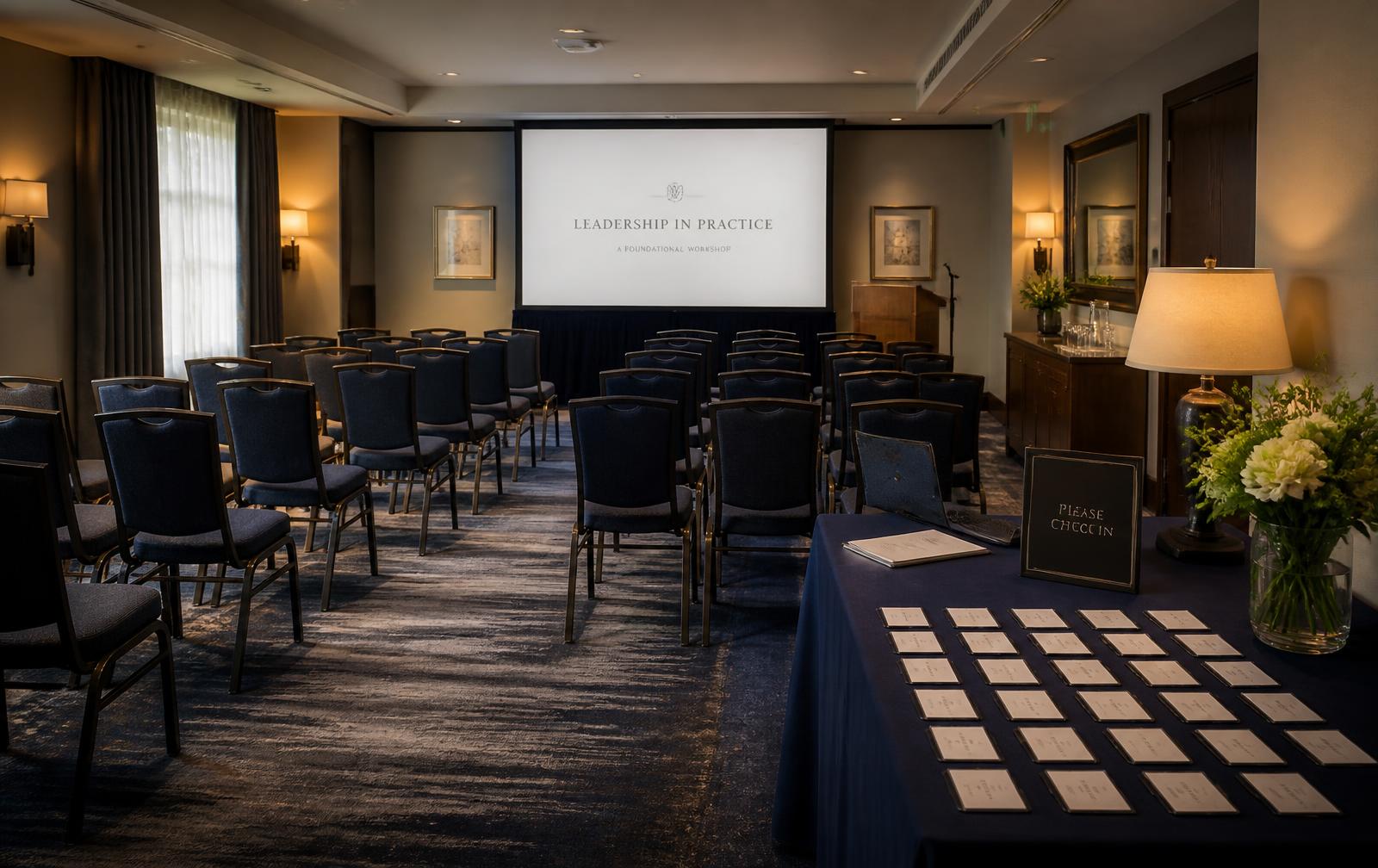
You focus on presenting, educating, connecting, and booking the next conversation.
06
Your System Keeps Working
The event is over. The opportunity isn't.
Audience growth
Across campaigns
Illustrative view. Your own audience growth depends on your campaigns.
First, Your Event Machine Gets Built.
Your initial setup is the heavy lift. That's why it happens once. A guided setup configures the infrastructure your future campaigns will reuse:
Event registration funnel
Contact and lead tracking
Event pipeline
Confirmation workflows
Reminder automation
Attendance tracking
Permission-to-contact tracking
Appointment pathways
Post-event follow-up
No-show organization
Future-event re-engagement
Reporting foundation
Meta campaign connection
Email and messaging setup
Once it's ready, you aren't paying us to rebuild all of that every time.
Then Running Another Campaign Gets Simple.
Inside your LYNC Connect portal:
Choose Your Event
- Turning 65
- AEP
- Medicare educational seminar
- Other supported campaign
- Webinar, if enabled
Tell Us Where
- Venue
- City
- Target market
Tell Us When
- Event date
- Campaign duration
Choose Your Advertising Budget
- Starting at $150.
Submit
The system builds it. You approve it. That's it.
Available campaigns
Credit ledger
Campaign credits available
4
- Annual plan purchased+8
- Campaign scheduled−1
- Campaign scheduled−1
- Campaign scheduled−1
Available campaigns are tracked as credits in your portal.
Production
What the System Does Next
The moment you submit, the system:
- 01Checks your event details for completeness.
- 02Locks in campaign timing.
- 03Updates your event funnel.
- 04Generates event-specific copy and creative.
- 05Builds your Meta campaign from your answers.
- 06Applies your geography and budget.
- 07Verifies tracking.
- 08Tests your registration flow end to end.
- 09Connects lead routing and automation.
- 10Schedules the campaign.
- 11Watches launch and reports results.
- 12Moves the campaign into the active event lifecycle.
You see the status from your portal without needing to manage the technical build yourself.

The people who missed an event don't automatically become worthless.
Before the Event
Registrants enter the event system. Depending on the campaign and available permissions, the system can support:
- Registration confirmations
- Reminder messaging
- Contact updates
- Event status
- Agent notifications
Your pipeline helps distinguish:
Registered · Confirmed · Attending · Needs Review
After the Event
This is where the system becomes more than a registration campaign. Record:
- Attended
- No Show
- Appointment
- PTC status
- Follow-up status
Then the appropriate automation and internal workflow can continue.
The people who attended don't have to rely exclusively on someone remembering to call them Monday morning.

Then You Run It Again.
Your business profile is already there.
Your branding is already there.
Your Meta account is already connected.
Your infrastructure is already built.
Your funnel already exists.
Your system already knows your previous campaigns.
You simply submit the next event.
Repeat campaign management: $349
View Campaign Options